Duplicate Lines Remover: Essential Tool for Clean and Organized Text Processing
Created on 17 November, 2025 • Text Tools • 18 views • 8 minutes read
Duplicate Lines Remover tools have become indispensable in our data-driven world, offering efficient solutions for maintaining clean, organized text and data files. These versatile tools serve diverse needs across industries, from data analysis and softwar
Understanding Duplicate Lines Remover Tools
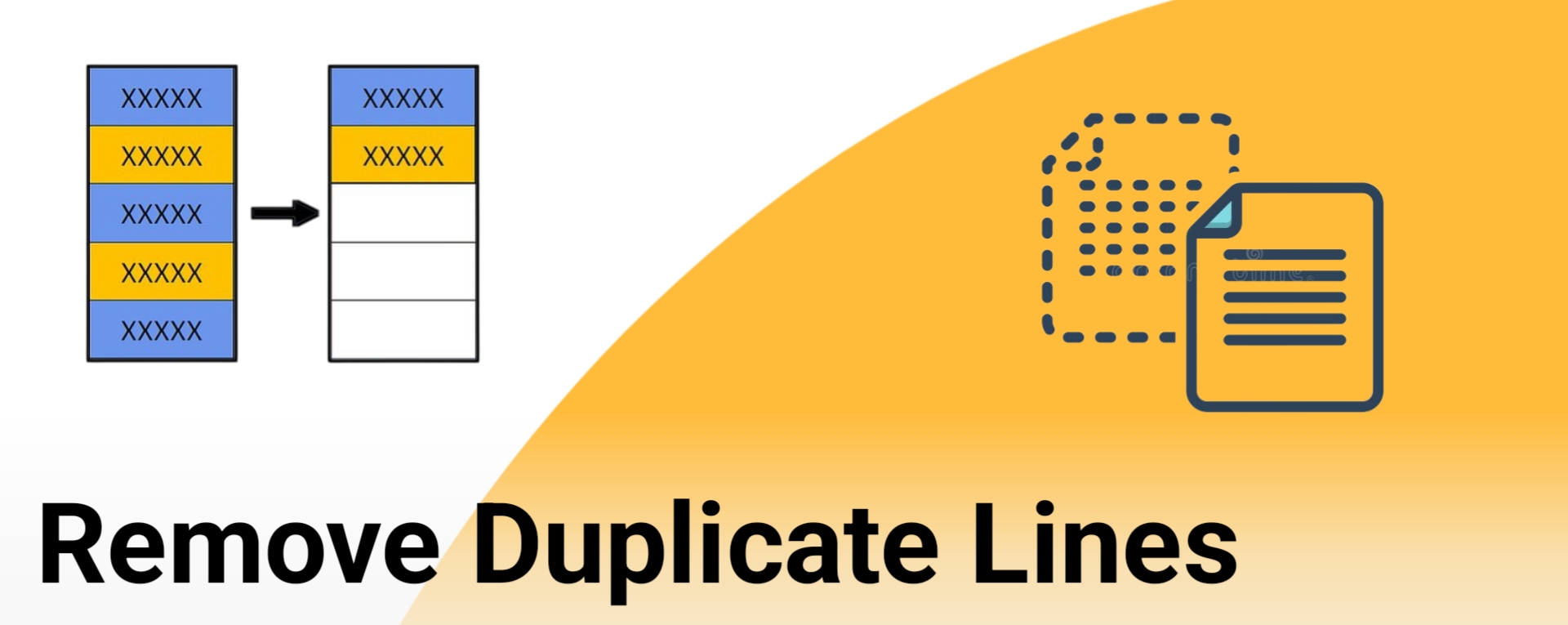
A Duplicate Lines Remover is a specialized text processing tool designed to identify and eliminate repeated lines within documents, code files, datasets, or any text-based content. These tools scan through text systematically, comparing each line against others to detect exact matches or similar patterns, then remove redundant entries while preserving the original order or reorganizing content as needed. Whether you're dealing with large datasets, log files, email lists, or code repositories, duplicate lines removers streamline your content by ensuring each line appears only once, significantly improving data quality and reducing file sizes.
The importance of removing duplicate lines extends across numerous professional fields and applications. Data analysts use these tools to clean datasets before analysis, ensuring accurate results without skewed statistics from repeated entries. Programmers rely on duplicate line removal to optimize code, eliminate redundant configurations, and maintain clean codebases. Content creators and editors use these tools to remove repeated paragraphs or sentences in large documents. System administrators clean log files and configuration files to improve readability and system performance. The ability to quickly identify and remove duplicate content saves countless hours of manual review while preventing errors that arise from redundant information.
How Duplicate Lines Remover Works
Core Detection Algorithms
Duplicate Lines Remover tools employ sophisticated algorithms to identify repeated content efficiently. The most basic approach involves comparing each line character-by-character with every other line in the document, marking exact matches for removal. However, advanced tools use hash-based algorithms that create unique fingerprints for each line, enabling faster comparison even in massive files with millions of lines. These hashing techniques can process documents in linear time, making them practical for real-world applications.
Modern duplicate removers also implement fuzzy matching algorithms that identify near-duplicates or lines with minor variations. These tools can detect lines that differ only in whitespace, capitalization, or punctuation, providing more comprehensive duplicate detection. Some advanced systems use edit distance calculations to find lines that are similar but not identical, useful for catching typos or slight variations in otherwise duplicate content. The algorithms can be configured to ignore certain patterns, such as timestamps in log files, focusing on the meaningful content when determining duplicates.
Processing Methods and Options
Duplicate Lines Remover tools offer various processing methods to handle different use cases effectively. The standard method removes all duplicate occurrences except the first instance, preserving the original order of unique lines. Alternative approaches include keeping the last occurrence instead of the first, useful when you want the most recent version of duplicated information. Some tools offer the option to remove all lines that appear more than once, leaving only truly unique lines that never repeat.
Advanced processing options include case-sensitive or case-insensitive matching, allowing users to treat "Hello" and "hello" as either identical or different based on requirements. Whitespace handling options let users ignore leading or trailing spaces, or normalize all whitespace within lines before comparison. Regular expression support enables pattern-based duplicate detection, where lines matching specific patterns are considered duplicates regardless of other content. Sorting capabilities allow users to arrange unique lines alphabetically or numerically after duplicate removal, creating organized output from chaotic input.
Types of Duplicate Lines Remover Tools
Online Web-Based Tools
Web-based Duplicate Lines Remover tools provide instant access through browsers without requiring software installation. These platforms offer simple interfaces where users paste text, click a button, and receive cleaned output immediately. Online tools typically handle moderate-sized texts efficiently, making them perfect for quick cleanup tasks, email list deduplication, or content editing. Many online removers include additional features like line counting, sorting options, and the ability to remove blank lines simultaneously.
Cloud-based duplicate removers can process larger files by uploading them to servers, beneficial when dealing with datasets too large for browser-based processing. These services often provide API access for automated workflows, allowing integration with other web applications or scripts. However, users should consider privacy implications when processing sensitive data through online tools, as text is transmitted to third-party servers for processing.
Desktop Software Solutions
Standalone desktop applications for duplicate line removal offer more powerful features and better performance for large-scale operations. These programs can process gigabyte-sized files that would overwhelm web-based tools, utilizing local computer resources for faster processing. Desktop software typically includes batch processing capabilities, allowing users to clean multiple files simultaneously or process entire directories of text files.
Professional desktop tools offer advanced features like custom delimiter support for CSV files, column-specific duplicate detection in structured data, and integration with text editors or IDEs. They provide detailed statistics about removed duplicates, helping users understand their data better. Command-line versions enable automation through scripts and can be incorporated into data processing pipelines. Desktop solutions also ensure data privacy since all processing occurs locally without internet transmission.
Practical Applications and Use Cases
Data Cleaning and Analysis
Data scientists and analysts frequently use Duplicate Lines Remover tools during data preparation phases. Raw datasets often contain duplicate records from multiple data sources, system errors, or repeated data entry. Removing these duplicates ensures accurate statistical analysis, prevents overrepresentation of certain data points, and reduces processing time for subsequent analyses. The tools help maintain data integrity when combining multiple datasets or importing information from various sources.
Database administrators use duplicate line removal when cleaning data before importing into database systems. Email marketers remove duplicate addresses from mailing lists to avoid sending multiple messages to the same recipient, improving campaign effectiveness and maintaining sender reputation. Survey researchers eliminate duplicate responses that could skew results, ensuring each participant's input counts only once. Financial analysts clean transaction logs to identify unique transactions and eliminate duplicate entries that could affect reporting accuracy.
Programming and Development
Software developers utilize Duplicate Lines Remover tools throughout various development tasks. Configuration files often accumulate duplicate entries over time, and removing them improves application performance and reduces confusion. Dependency lists in package managers benefit from duplicate removal to prevent version conflicts and reduce installation times. Log file analysis becomes more efficient when duplicate error messages are consolidated, helping developers identify unique issues quickly.
Code refactoring projects use duplicate line detection to identify redundant code sections that could be consolidated into functions or modules. CSS stylesheets often contain duplicate rules that can be safely removed to reduce file size and improve website loading times. Source code documentation benefits from duplicate removal to maintain clean, concise comments without repetitive information. Build scripts and deployment configurations stay maintainable when duplicate commands and settings are eliminated regularly.
Benefits of Using Duplicate Lines Remover
Efficiency and Accuracy
Duplicate Lines Remover tools dramatically reduce the time required for text cleanup compared to manual methods. Processing thousands of lines takes seconds rather than hours of manual review, freeing professionals to focus on analysis and decision-making rather than data preparation. Automated detection eliminates human error inherent in manual duplicate identification, ensuring no duplicates are missed due to fatigue or oversight.
The consistency provided by algorithmic duplicate detection ensures uniform results regardless of document size or complexity. Tools can handle special characters, multiple languages, and various encoding formats that would challenge manual review. Batch processing capabilities multiply efficiency gains when dealing with multiple files or regular cleanup tasks. The ability to preview results before applying changes prevents accidental data loss and allows users to verify the tool's behavior matches their expectations.
File Size and Performance Optimization
Removing duplicate lines significantly reduces file sizes, particularly in log files, datasets, and configuration files where repetition is common. Smaller files require less storage space, reducing infrastructure costs and backup requirements. Network transmission becomes faster when transferring deduplicated files, important for cloud synchronization or remote access scenarios. Applications load and process cleaned files more quickly, improving overall system performance.
Database imports run faster with deduplicated data, reducing maintenance window requirements. Search operations become more efficient when indexes don't include duplicate entries. Memory usage decreases when applications load files without redundant lines. Version control systems work more effectively with clean files, as commits contain only meaningful changes rather than duplicate content that obscures real modifications.
Best Practices for Duplicate Line Removal
Preparation and Backup
Always create backups before processing important files with Duplicate Lines Remover tools. While these tools are generally safe, having backups ensures recovery if unexpected results occur. Review your data structure to understand what constitutes a duplicate in your specific context, as business rules might differ from simple line matching. Consider whether certain duplicates serve a purpose, such as repeated headers in concatenated files that shouldn't be removed.
Test duplicate removal tools on sample data before processing entire datasets. This practice helps identify any special cases or unexpected behaviors specific to your data format. Document your duplicate removal process, including tool settings and criteria used, for reproducibility and audit purposes. When working with structured data, consider whether duplicate detection should apply to entire lines or specific fields within records.
Validation and Quality Control
After removing duplicates, validate results to ensure critical data wasn't inadvertently removed. Compare line counts before and after processing to verify the number of duplicates removed matches expectations. Spot-check the output to confirm unique lines were preserved correctly and duplicates were actually removed. For critical applications, use multiple tools to cross-verify results or implement custom validation scripts.
Maintain logs of duplicate removal operations for troubleshooting and compliance purposes. Regular audits of automated duplicate removal processes ensure they continue functioning correctly as data formats evolve. Implement alerts for unusual duplicate patterns that might indicate upstream data quality issues. Consider preserving removed duplicates in separate files for reference or recovery if needed.
Conclusion
Duplicate Lines Remover tools have become indispensable in our data-driven world, offering efficient solutions for maintaining clean, organized text and data files. These versatile tools serve diverse needs across industries, from data analysis and software development to content management and system administration. By automating the tedious task of identifying and removing duplicate lines, they save valuable time while ensuring accuracy and consistency that manual methods cannot match.
The evolution of duplicate removal technology continues to advance, with modern tools offering sophisticated features like fuzzy matching, pattern recognition, and intelligent processing options that adapt to various use cases. Whether you choose online tools for quick tasks or powerful desktop applications for large-scale processing, duplicate lines removers significantly improve data quality and operational efficiency. As data volumes continue growing exponentially, these tools become increasingly critical for maintaining manageable, accurate, and optimized information systems.